Instructions:
-
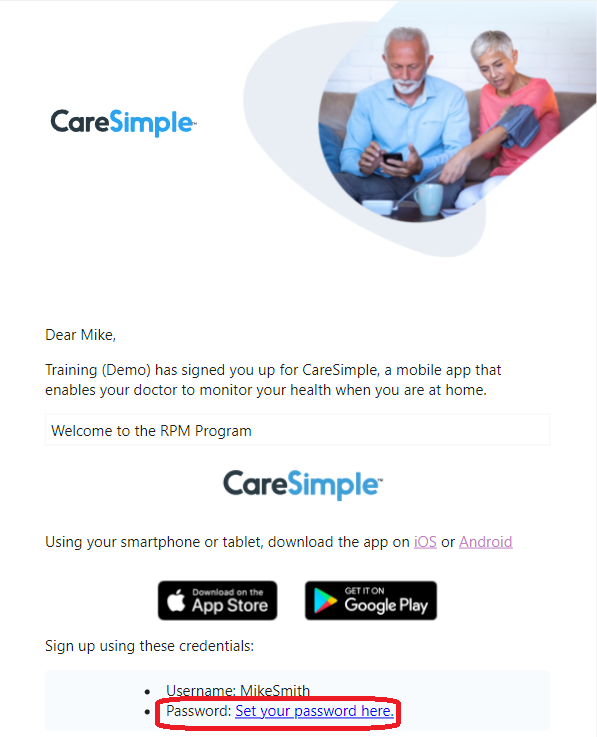
Following your onboarding in the program, you will have received an welcome email with a link to set up your password to use the “CareSimple” mobile application.
-
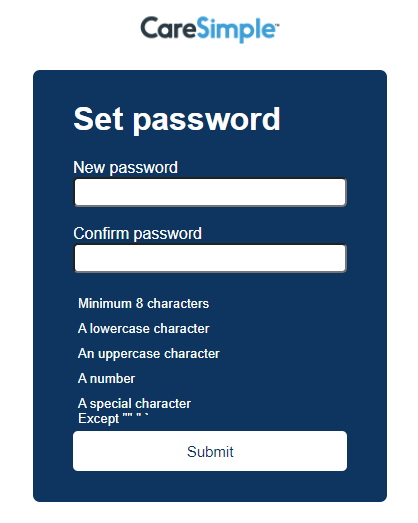
Click on the link to set up your password (make sure to meet all requirements for your password to be accepted). Press on Submit to confirm.
-
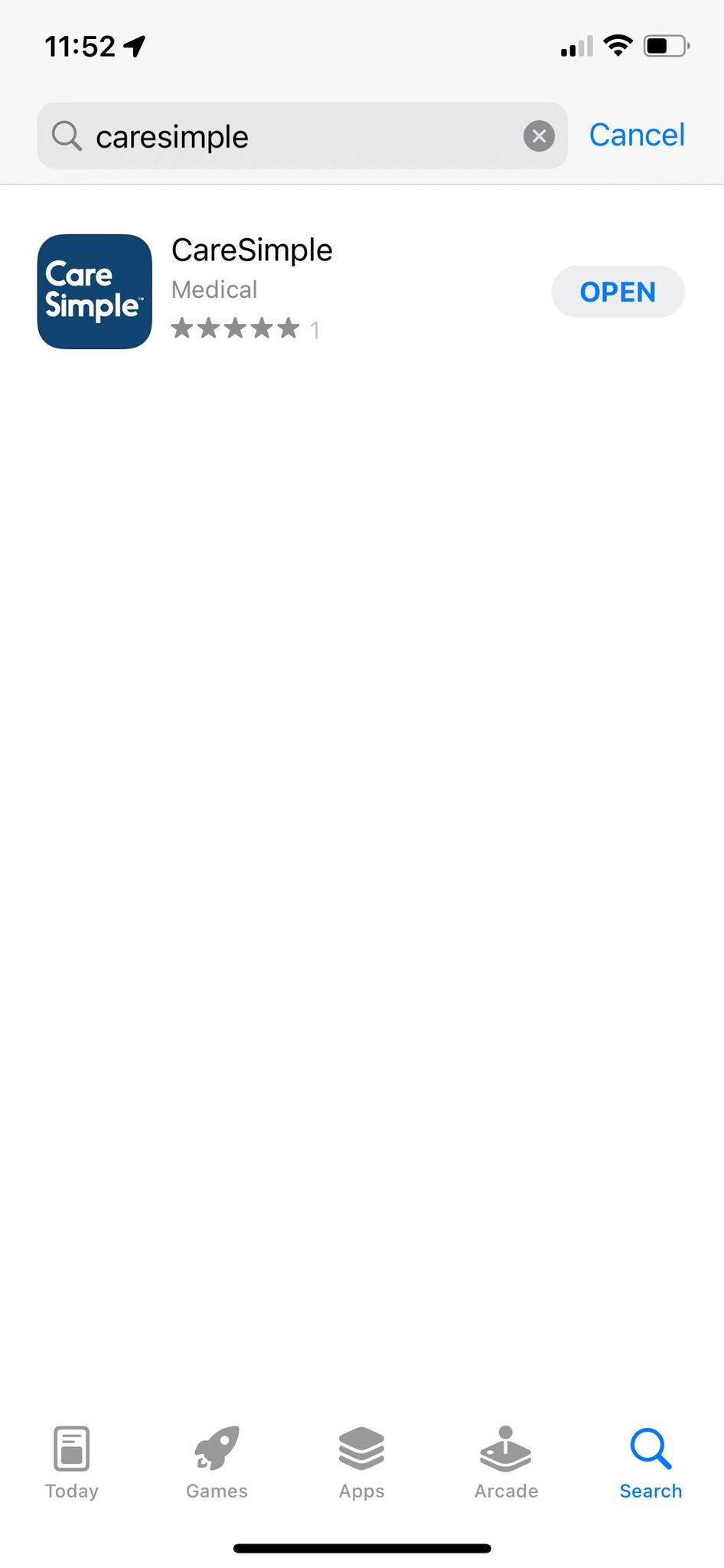
Search for “CareSimple” on your preferred App Store (“App Store” for iOS or “Google Play Store” for Android) and download the free application.
-
Open the app and enter your username (you can find it in the welcome e-mail) and the previously set up password. Press on Log in.
- Follow the in-app instructions to complete setting your profile.
Note: If you are using a 4G device, your doctor will see your measurements even if you haven’t downloaded the app. The app is optional and allows you to communicate with your doctor, monitor your progress and view your care plan.